Why the Admit Card Matters – My Quick Take
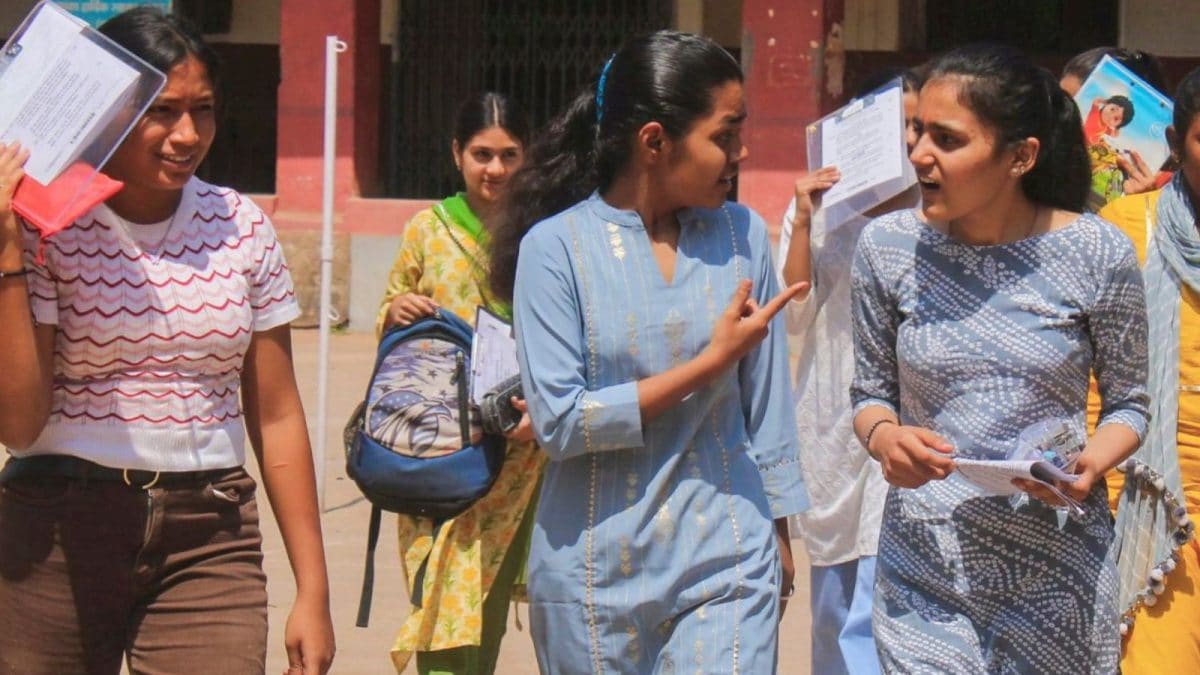
Hey friends, I just checked the bitsadmission.com portal this morning and guess what – the BITSAT 2026 Session‑1 admit card is officially out! If you’re like me, sitting at a chai stall in Bangalore, scrolling through your phone and worrying whether you’ve missed the download window, let me reassure you that it’s still open. The admit card, or hall ticket as we often call it, is the golden pass that lets you walk into the BITS exam hall. Without it, the guards at the gate will simply not let you in, no matter how many practice papers you’ve solved.
It’s basically the same as the school’s result slip we used to carry to the PTM – you need it to prove you belong there. The card includes your name, photograph, signature, roll number, exam date, timing, allotted centre, and a bunch of small but crucial instructions for the day. So, treat it like a passport for that two‑day test on 15‑16 April.
Step‑by‑Step: How to Download Your BITSAT 2026 Session‑1 Admit Card
Okay, let’s walk through the process together. I’ll keep it simple – no tech jargon, just the usual clicks you’d do while recharging your prepaid card.
- Look for the link that says “BITSAT Admit Card 2026”. It’s usually right in the centre of the homepage. Click on it.
- Enter your details. You’ll need the application number (the one you got in your email after registration) and the password you set while filling the form. Type them carefully – I once typed my password with a trailing space and got an error!
- Hit ‘Submit’. If everything matches, a new page will pop up displaying your admit card.
- Check the details. Verify your name spelling, photograph, centre code, and the exam date. If something looks off – say the centre is wrong – note it down; you’ll have to contact the authorities immediately.
- Download and print. Click the download icon (usually a downward arrow) and save a PDF. I recommend printing two copies: one to carry on the exam day and another as a backup in case the first page gets wrinkled.
That’s it! It’s as easy as ordering a masala dosa online – just a few taps and you’re done. Remember, the portal will stay open for a few days, but don’t wait till the last minute. In my experience, the download server gets a traffic jam around midnight, and the page may freeze.
What You’ll See on the Admit Card – A Quick Rundown
The admit card is designed to give you all the info you need at a glance. Here’s what you’ll typically find:
- Candidate’s name and signature. Double‑check the spelling – the exam board won’t correct it later.
- Photograph. It should be a recent, passport‑type picture. If it looks blurry, request a re‑issue.
- Roll number. This is your unique identifier for the test centre.
- Exam date and timing. Session‑1 runs on 15‑16 April, usually from 9 AM to 12 PM.
- Allotted centre. It could be a city you live in or a nearby town. The centre code is printed clearly; keep a map handy.
- Important instructions. Things like “Carry a valid photo ID”, “No electronic gadgets allowed”, and “Arrive at least 30 minutes early”.
Make a habit of reading the instruction box line by line – the BITS authorities are very strict about ID proof and timing. I once saw a friend miss out because he didn’t bring his school ID, though he had the admit card.
Key Reminders Before You Head to the Test Centre
Even after you’ve printed the hall ticket, there are a few things you should do to avoid last‑minute panic:
- Carry a government‑issued photo ID (Aadhaar, PAN, or passport) along with the admit card.
- Keep a couple of passport‑size photos in your bag – some centres ask for a fresh photo on the spot.
- Check the location of your test centre on Google Maps a day before. If it’s in a busy market area like Chandni Chowk, plan extra travel time.
- Pack a bottle of water, some dry fruits, and a light snack. The exam rooms are usually air‑conditioned, so a small snack helps stay focused.
- Dress comfortably – no heavy jackets, but also keep a sweater handy if the exam hall tends to get chilly.
- Leave electronic devices at home. The BITSAT hall is a secured computer‑based test centre; you’ll be given a terminal to answer questions.
On the actual day, aim to reach the centre at least 30 minutes early. This gives you time to register at the invigilator’s desk, show your admit card and ID, and settle into the computer seat.
BITSAT 2026 Exam Pattern – What to Expect
The BITSAT is a computer‑based test, and the pattern stays the same each year. Here’s a simple breakdown that helped me manage my time during practice runs:
- Total of 130 questions divided into six sections.
- Physics – 40 questions
- Chemistry – 40 questions
- Mathematics – 40 questions
- English Proficiency – 10 questions
- Logical Reasoning – 10 questions
- Biology (only for B. Pharm aspirants) – 10 questions
- Each correct answer awards +3 marks; each wrong answer deducts ‑1 mark. No negative marking for unanswered questions.
- The test is conducted on a computer, so you’ll see four options for each question, and you must select the right one by clicking.
- There is no sectional cutoff; the final score is based on the total marks obtained out of 390.
Because it’s a computer‑based test, you can skip and revisit questions. In my mock tests, I found it useful to first answer all the easy MCQs, then come back for the tougher ones. The exam window is usually three hours, so pacing is key.
What If There’s a Mistake on Your Admit Card?
Should you spot any error – say, the centre code is wrong or the name is misspelled – don’t panic. The BITS admission team has a helpline that works during office hours. You can also send an email to the official address mentioned on the website. Make sure you attach a clear screenshot of the admit card and a copy of your registration receipt.
In my own case, I once noticed that my photograph was slightly tilted. I emailed the support team within the same day, and they issued a corrected admit card within 24 hours. The key is to act quickly, because the exam date is non‑negotiable.
Looking Ahead – Session‑2 Dates
If for some reason you miss Session‑1 or want to try again, BITS has announced Session‑2 for 24‑26 May. The same admit‑card download process will apply, just with a different set of dates on the portal. Keep an eye on the website; they usually update the “Admit Card” link a few days before each session.
Many students plan a backup strategy, especially if they have exams like JEE Main close to the BITSAT dates. Having both Session‑1 and Session‑2 in mind helps you manage study schedules without too much stress.
Final Thoughts – Stay Calm and Prepare
Downloading the BITSAT 2026 Session‑1 admit card is just the first step in a bigger journey. Treat it like getting your boarding pass before a flight – you still need to reach the gate on time, have the right documents, and stay calm during the travel. I hope this guide makes the process less intimidating. Remember, the hall ticket is your passport to the BITS campuses in Pilani, Goa, and Hyderabad – three places where many of us dream of studying engineering or pharmacy.
Good luck, keep practicing those MCQs, and don’t forget to get a good night’s sleep before the exam days. See you at the test centre, and may your scores bring you closer to your BITS dream!